
Trade copying in Tradara is organized into copy groups, and every group has the same shape: one leader account, one or more follower accounts, and a whole-number multiplier attached to each follower. Activity on the leader is what drives the group, and the multiplier is what lets accounts of different sizes follow the same leader without you sizing each one by hand. You review all of this in Trade Copier.
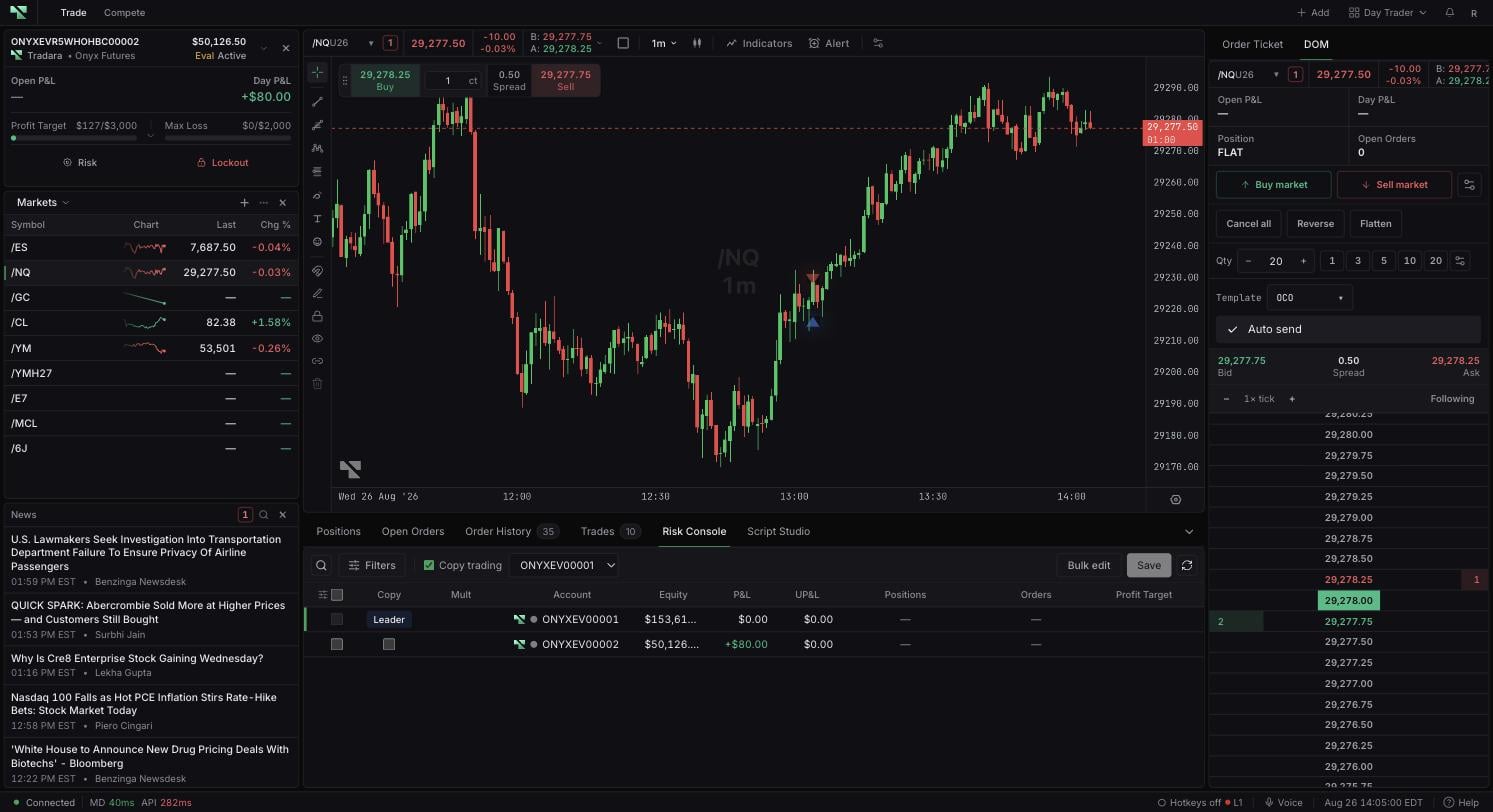
Reading a group before the leader trades
Select a group and check each member's role, its multiplier, and the group's health and lockout indicators before any leader activity begins. That is the moment when configuration is still easy to correct; once the leader trades, followers act on whatever the group currently says.
Multipliers describe configuration, not a recommended value. Choosing one is your decision, and nothing in the widget suggests a size.
Which accounts can join a group
Select Manage, choose a leader, and review the available followers. Tradara blocks accounts that are conflicting or unavailable and displays a reason based on account lifecycle, existing group membership, or role conflicts — for example an account already committed elsewhere in a way that clashes with the role you are trying to give it. Only eligible accounts can be connected.
When something is blocked and the reason is not obvious, read the group-health banners, member states, and the eligibility reason together. They usually name the specific conflict; contact Support if they do not.
What copying does not guarantee
Copying coordinates accounts. It does not override the constraints that already apply to each one — account rules, firm rules, venue behavior, or market conditions all still govern what a follower can do. Because of that, verify follower positions and orders independently rather than assuming a group is in sync because the leader's activity went through.