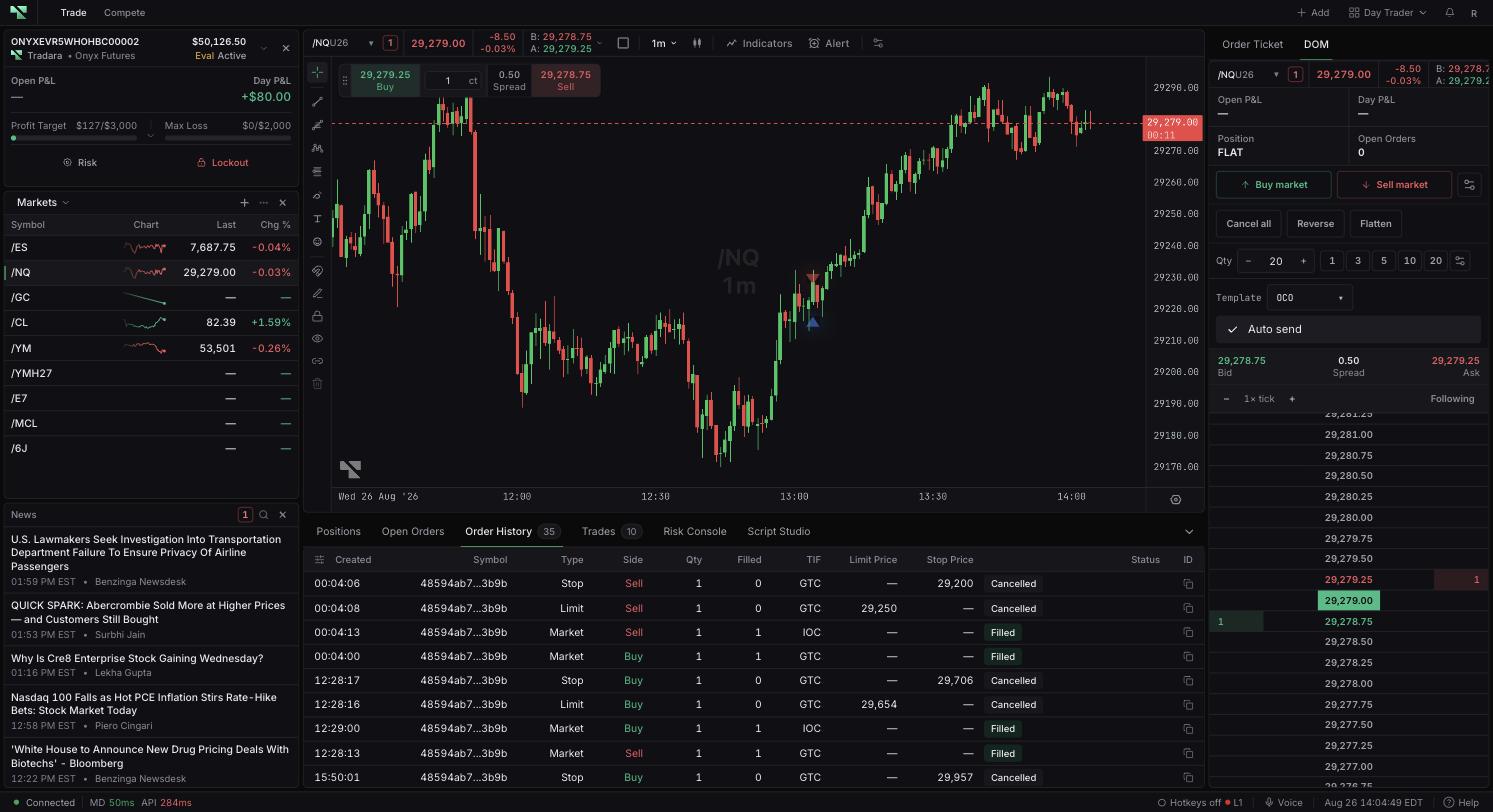
Cancelled and Rejected both end an order, but they describe opposite situations. A cancelled order was accepted and then had its remaining quantity ended, so it may well have traded. A rejected order never got that far — a check stopped it. Both outcomes stay in Order History, and telling them apart matters before you resubmit anything.
Sort Order History by Created or Updated to reach the right time range, then match on symbol, side, type, and quantity. Compare Qty with Filled on the row, and copy the order ID if you will need to reference it.
Cancelled means the remaining active quantity ended. The order can still have completed fills — from a manual cancellation part-way through, from IOC handling that cancelled a remainder, or from linked-order behavior. Cancelled rows retain any filled quantity, so read Filled rather than assuming nothing happened, and inspect Positions and Trades when it is non-zero.
Rejected means a check failed before the order could work: acceptance, validation, risk, entitlement, account, instrument, or service. The row normally displays the reason that prevented it — read it, or hover the status when the text is shortened. When you need the full detail, use the order ID.
Restrictions imposed by a firm have to be resolved with the controlling firm or with Support; the trader UI cannot lift them.
Do not resubmit until you know two things: whether any quantity filled, and whether a position now exists. Linked orders add a wrinkle here, since one can terminate because a parent or sibling order changed rather than because of anything you did to it directly.
Confirm the account you are reviewing. Simulated trading does not remove evaluation or live risk later.
